
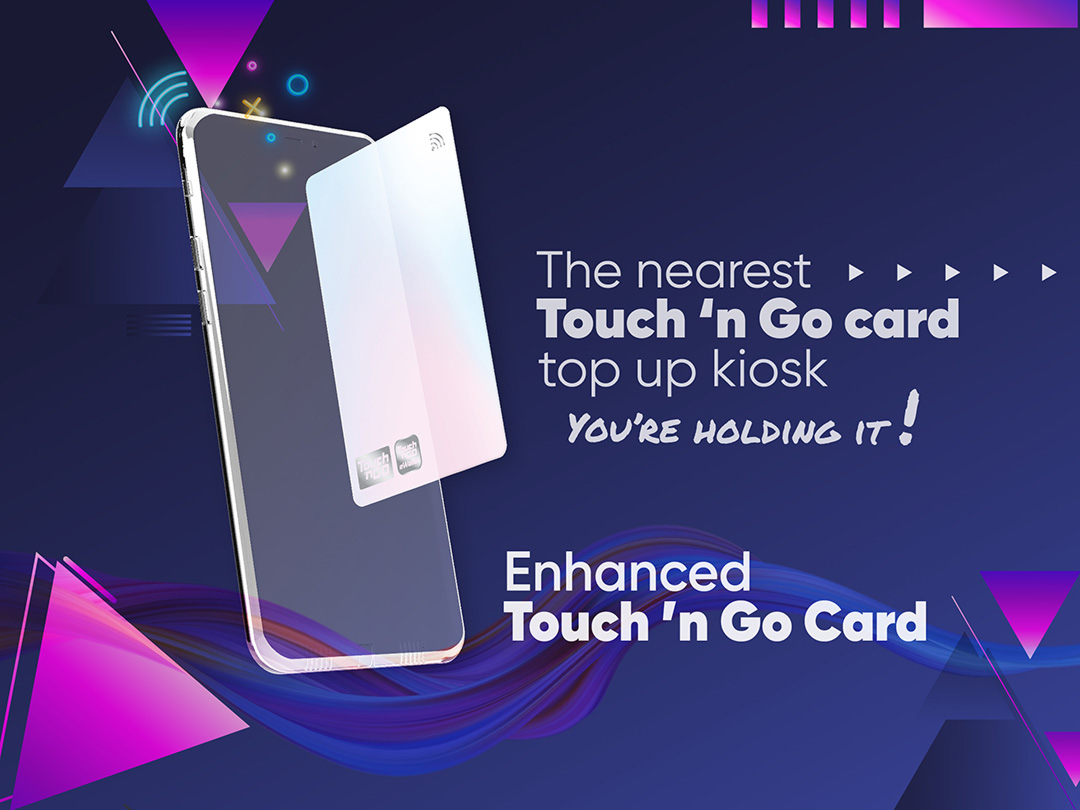
The enhanced Touch 'n Go Card
Reload anytime, anywhere, for a contactless, cashless and convenient lifestyle.
How to link and reload your enhanced TNG Card with NFC Capability with your Touch ‘n Go eWallet
Tap on the TNG Card icon
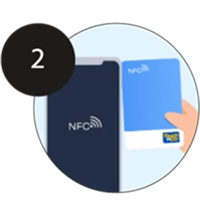
Enter your card details manually or use the scan function to register. To scan, place your card at the back of your mobile phone
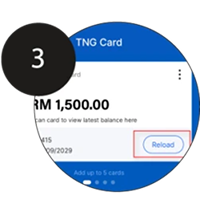
After successfully adding the card, you can now reload it by clicking on the reload button
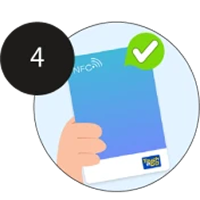
You can now use your Touch ‘n Go card. Don’t forget to register your card on the Touch 'n Go Portal
Touch ‘n Go Card with NFC Technology
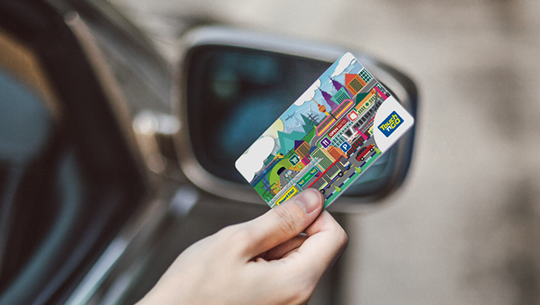
Touch ‘n Go Card
classic edition
Toll payments
Train & bus fares
In-store payments
Parking
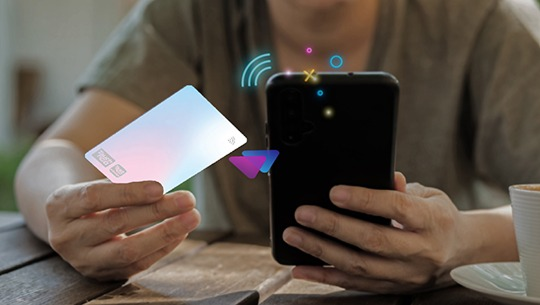
Enhanced Touch ‘n Go Card
with NFC Technology
Toll payments
Train & bus fares
Parking
Check balance via eWallet
Reload using eWallet balance
Purchase via eWallet
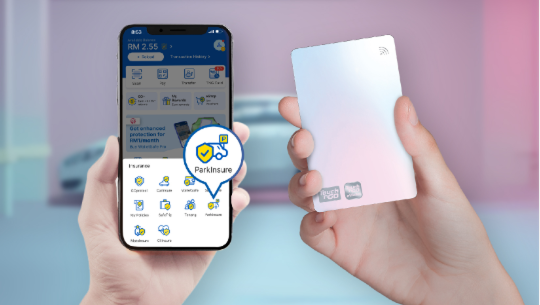
ParkInsure
for Touch ‘n Go cardholders
Accidental Death
Accident Permanent Disablement
Snatch Theft
Forcible Car Break-in
Key Reimbursement
Car Accident
Transport Allowance
Enhanced Touch ’n Go Card Reimbursement

Scan the QR code to purchase the enhanced Touch ‘n Go card now!
Frequently asked questions
-
Loading frequently asked questions…