

Easy come, easy go with LPR (License Plate Recognition) Parking.

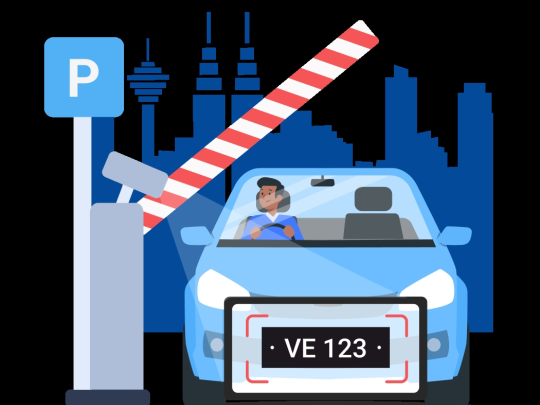
Your license plate is your parking pass – with LPR Parking you simply drive in, park, and when it's time to leave, just exit! Parking fees will be automatically deducted from your TNG eWallet balance.

LPR-hero.svg
How LPR Parking Works

Drive in, let your licence plate be scanned at the carpark entrance, and when you’re ready to leave, just drive through. The parking fees will be automatically deducted from your Touch ‘n Go eWallet.

Automatic-Payment-from-Your-Car.svg

Easy Ticketless Entry

No need to roll down your window to reach for parking tickets.

Skip-the-Queue.svg

Skip the Queue

Save time by avoiding autopay stations altogether.

Seamless-Parking-Payment.svg

Seamless Payment and Exit

Enjoy a touchless and cashless parking payment experience. Your parking fees will be automatically deducted from your eWallet!

Activate LPR Parking in just a few steps
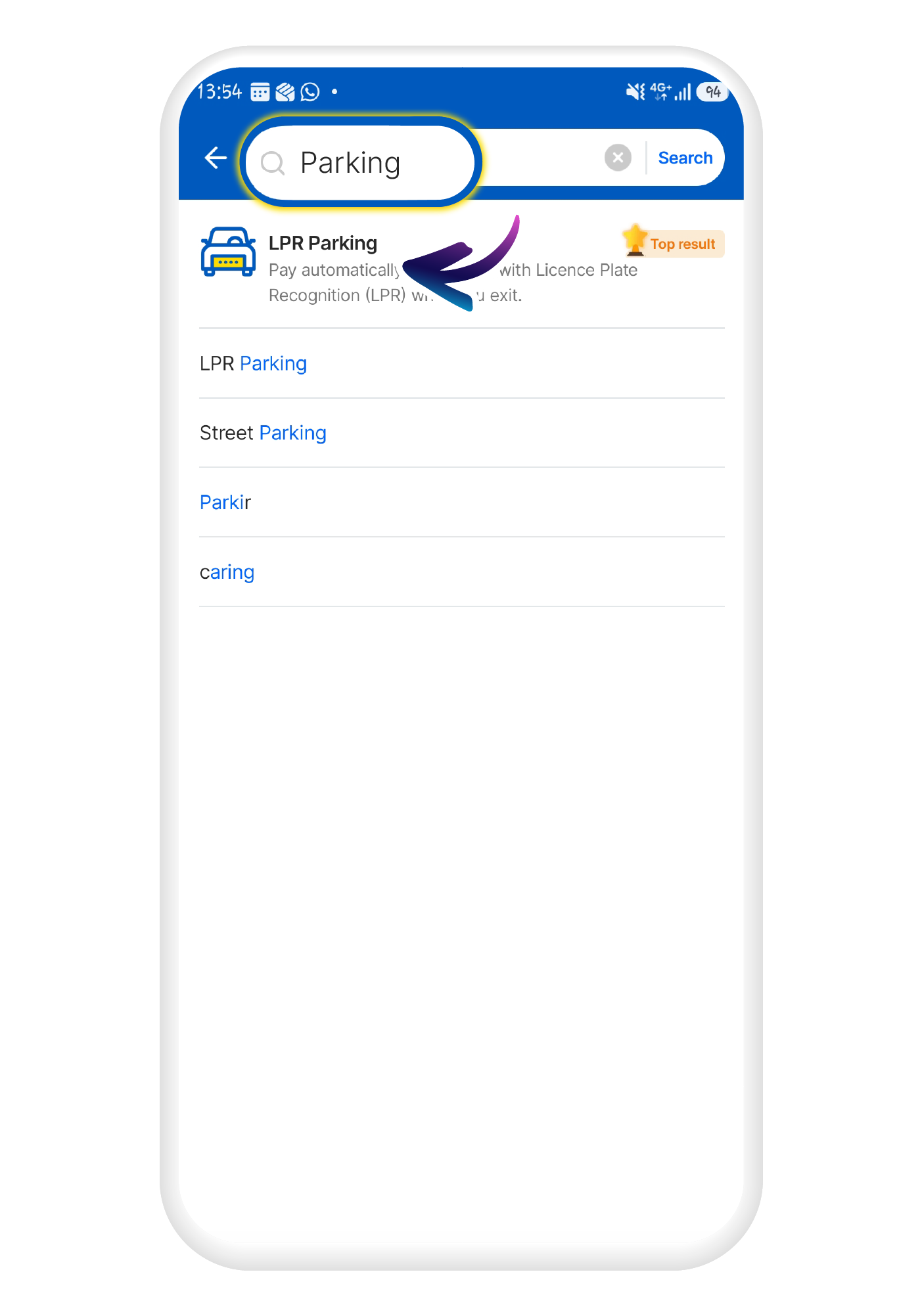
Launch the LPR Parking mini-app within the Touch ‘n Go eWallet.
1
Launch the LPR Parking mini-app within the Touch ‘n Go eWallet.
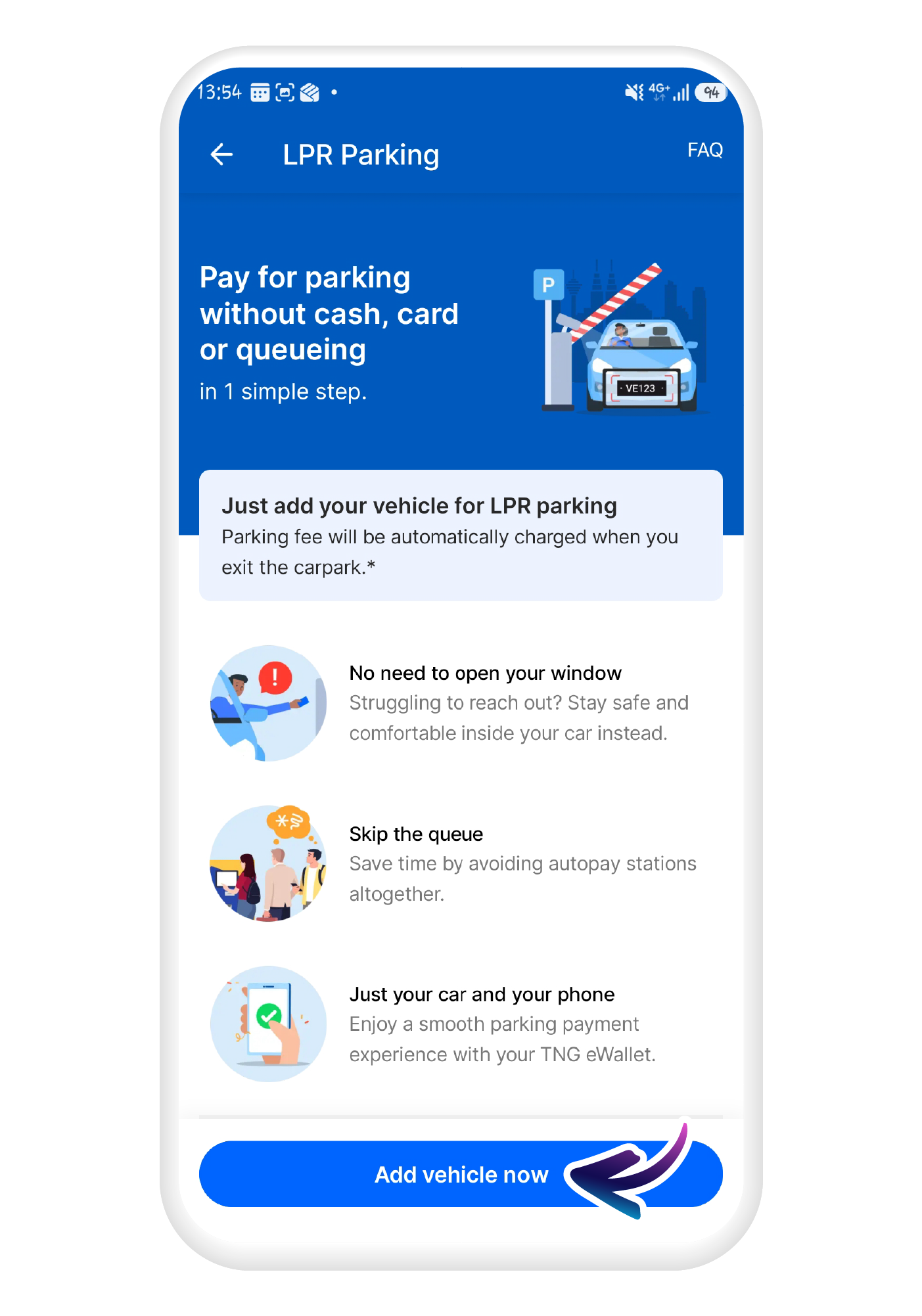
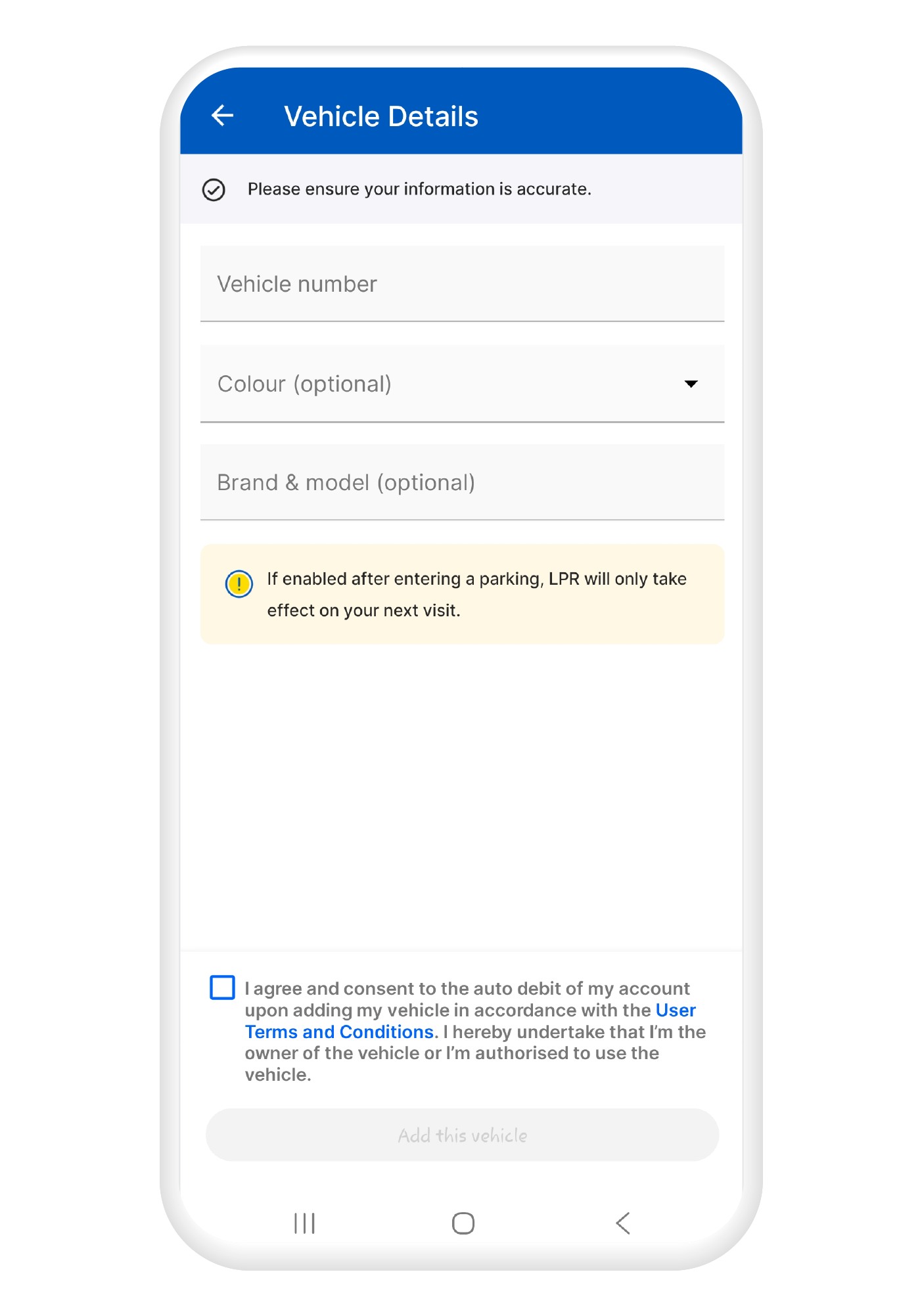
Select “Add vehicle now” (you can register up to 10 cars) and enter all required information about your car.
2
Select “Add vehicle now” (you can register up to 10 cars) and enter all required information about your car.
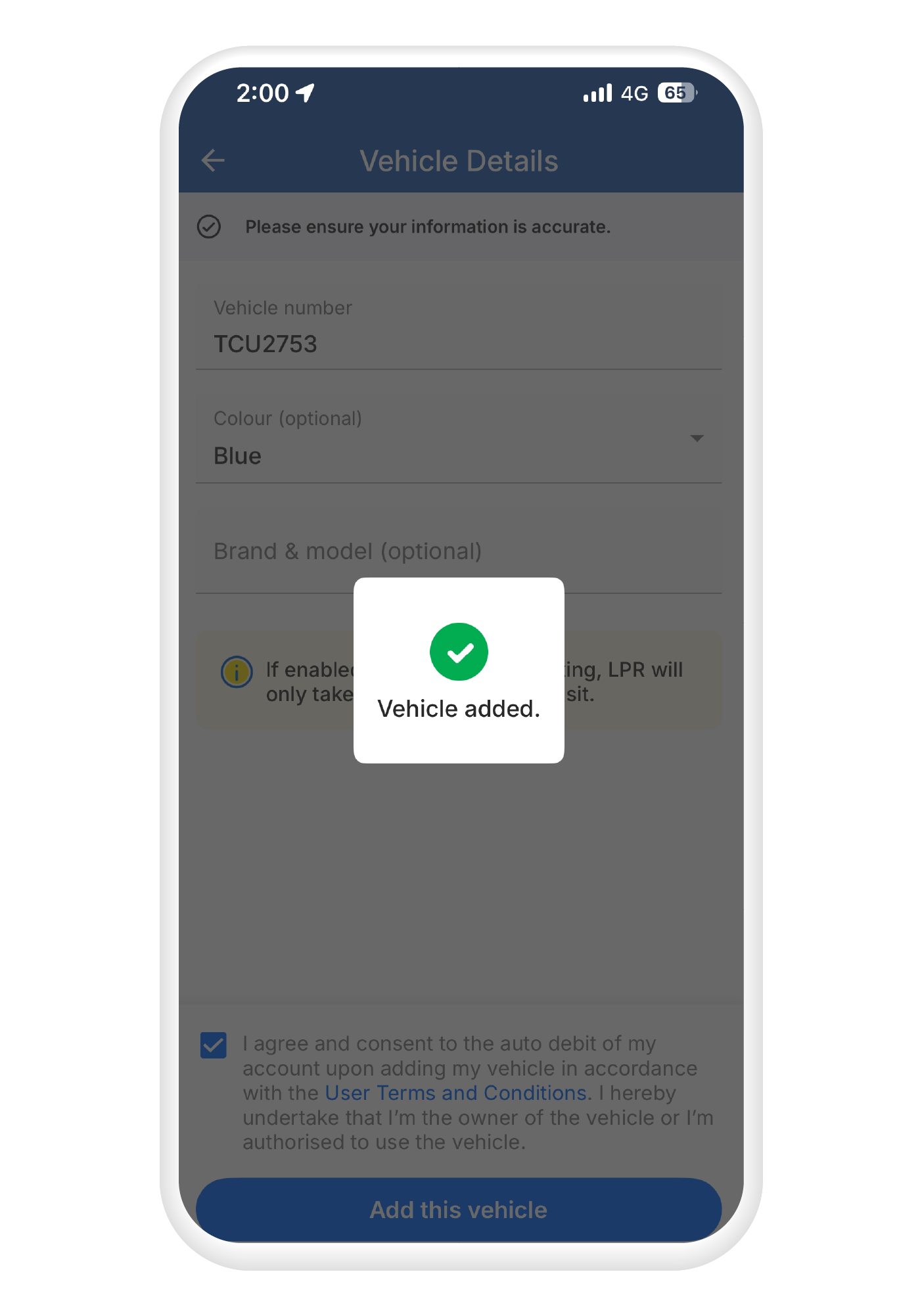
Follow the on-screen prompts to complete the verification process and finalise your vehicle registration.
3
Follow the on-screen prompts to complete the verification process and finalise your vehicle registration.

You’re all set! Drive into an LPR-enabled parking lot, and your license plate will be automatically scanned.

Read the full Terms & Conditions here.

Touch ’n Go LPR Parking Sites (140 locations and growing!)
Total 0 locations
Frequently Asked Questions